Cloudflare
Use your own Cloudflare account. Crate handles setup; Cloudflare keeps it running.
Cloudflare setup guideSync your vault, plan reminders, and save articles to read later, all in Obsidian. Runs on your own Cloudflare account or server.
Free and open source. Runs on Cloudflare’s free tier.
Sync
Every note and attachment, on desktop and mobile. Conflicts are saved as copies, never silently overwritten.
How sync works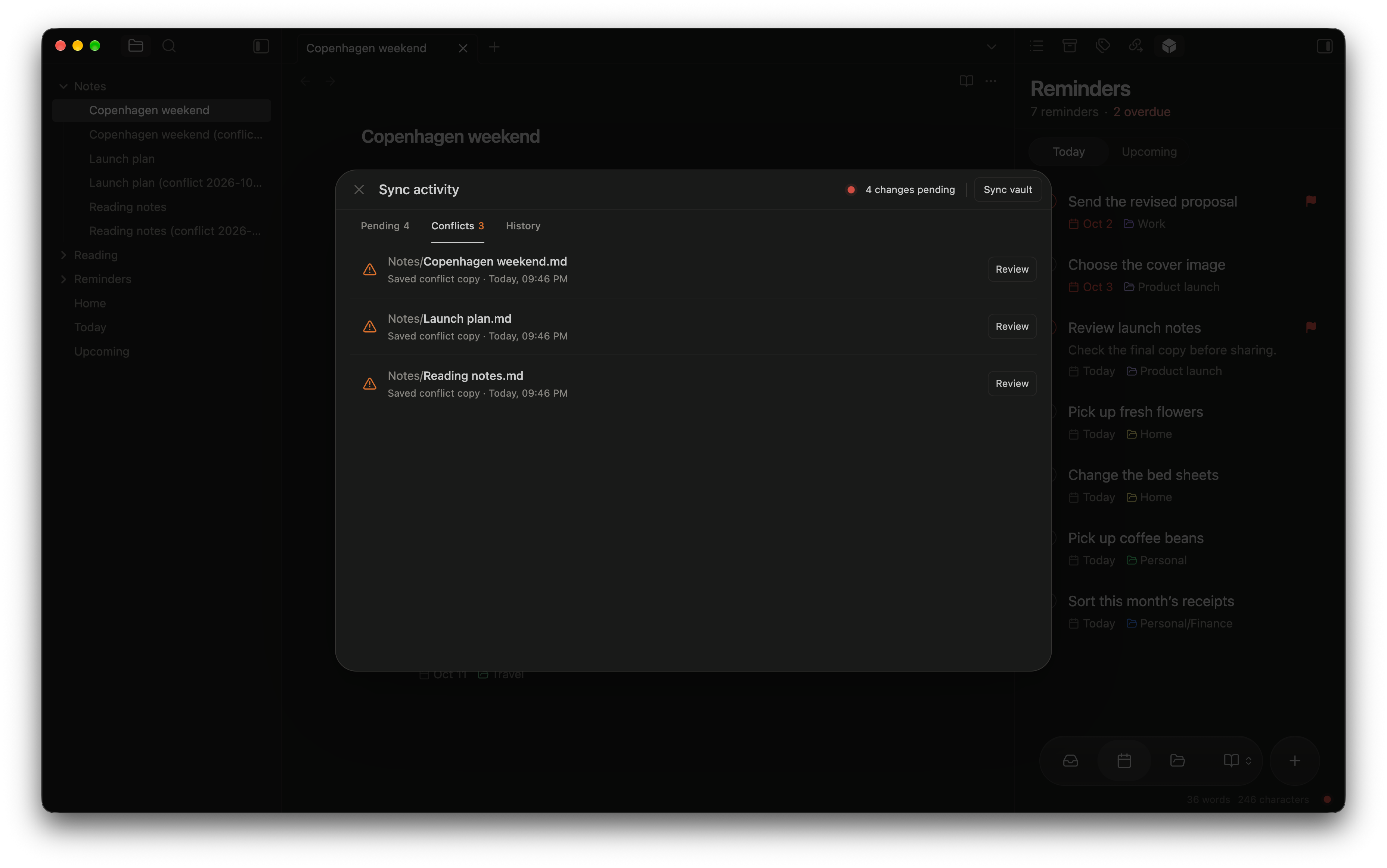
Every conflict is saved as a copy, so nothing is lost.
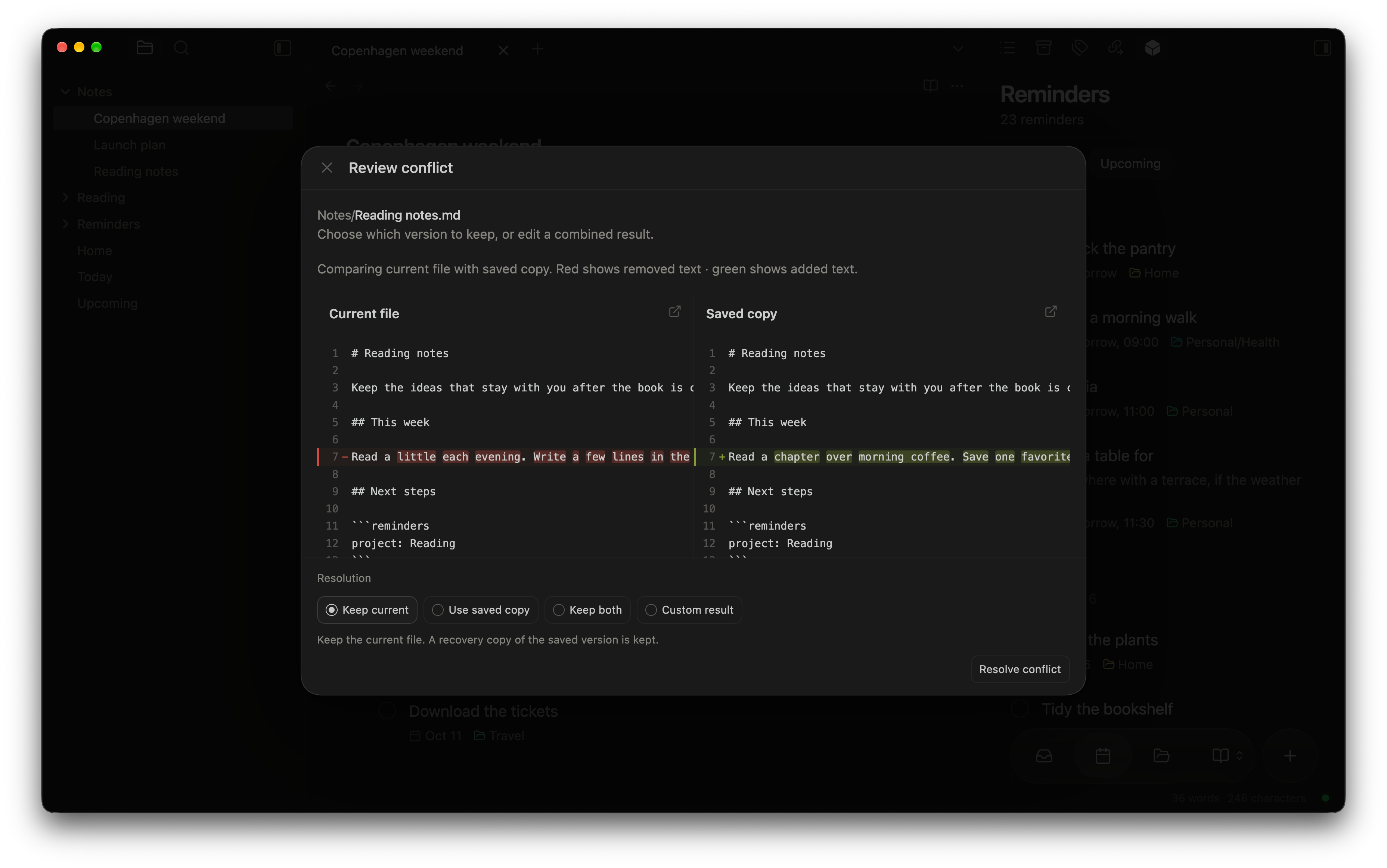
Compare side by side, then keep one, both, or a custom result.
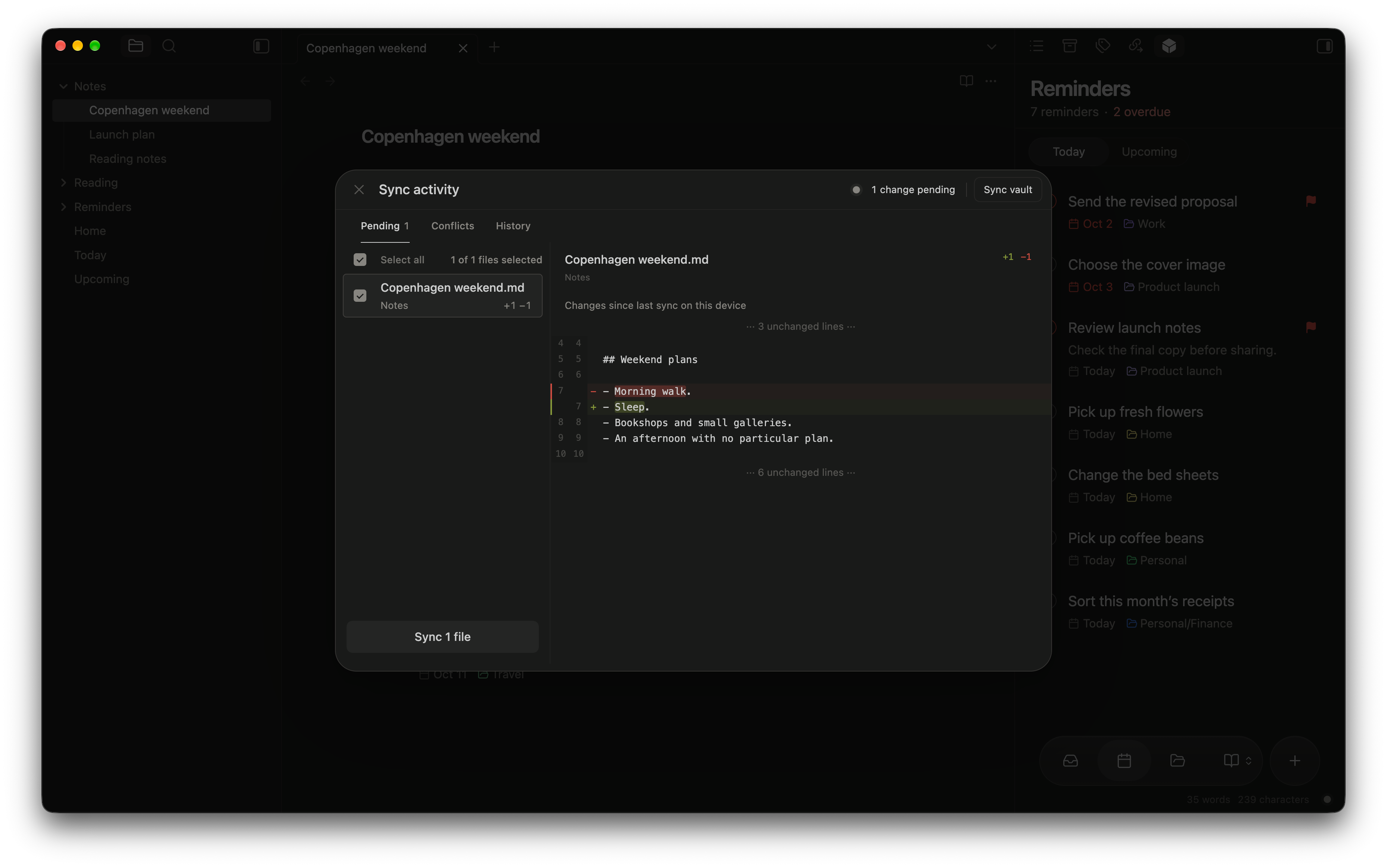
Compare edits and choose which files to sync.
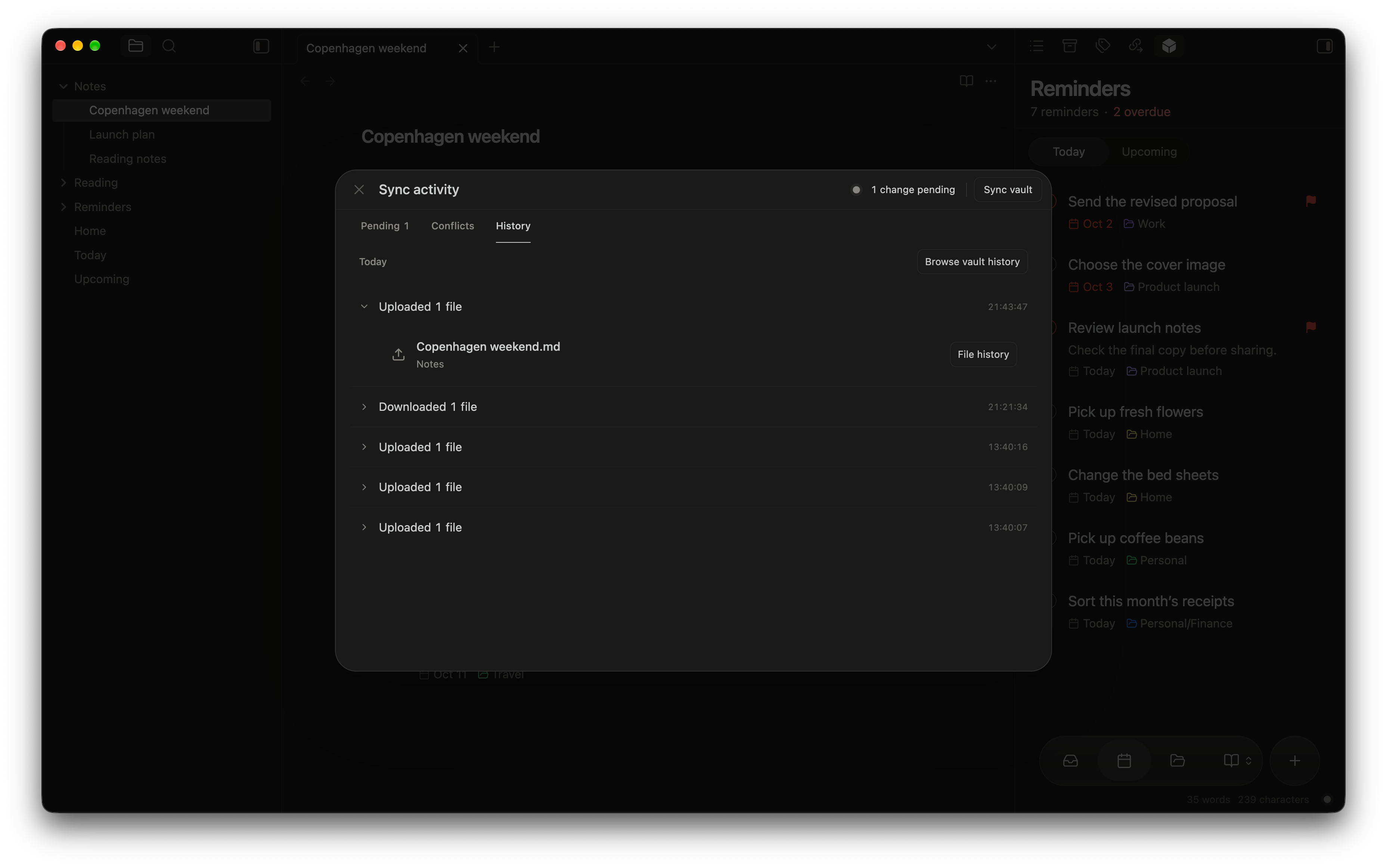
See recent transfers and the files included.
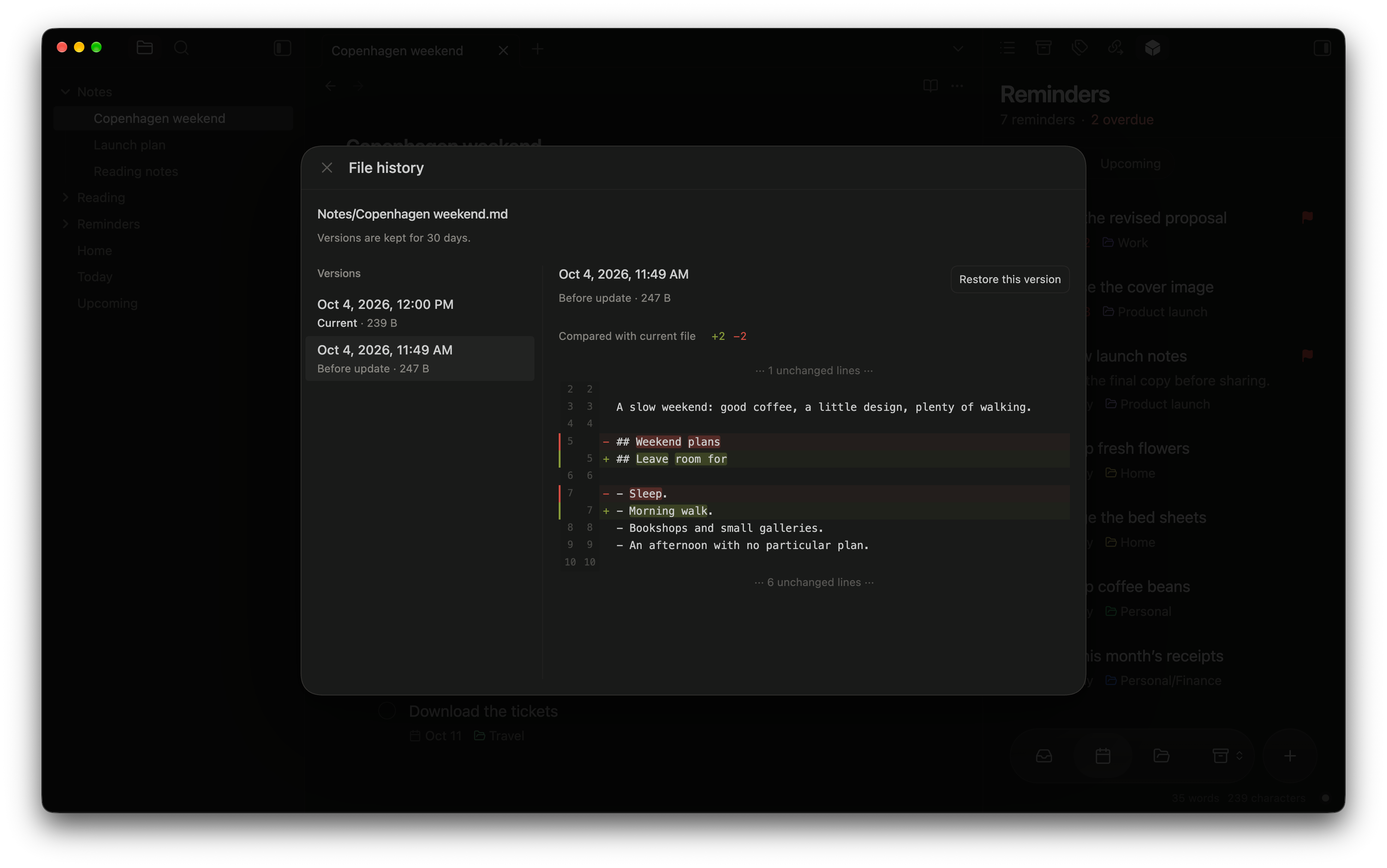
Restore any version from the last 30 days.
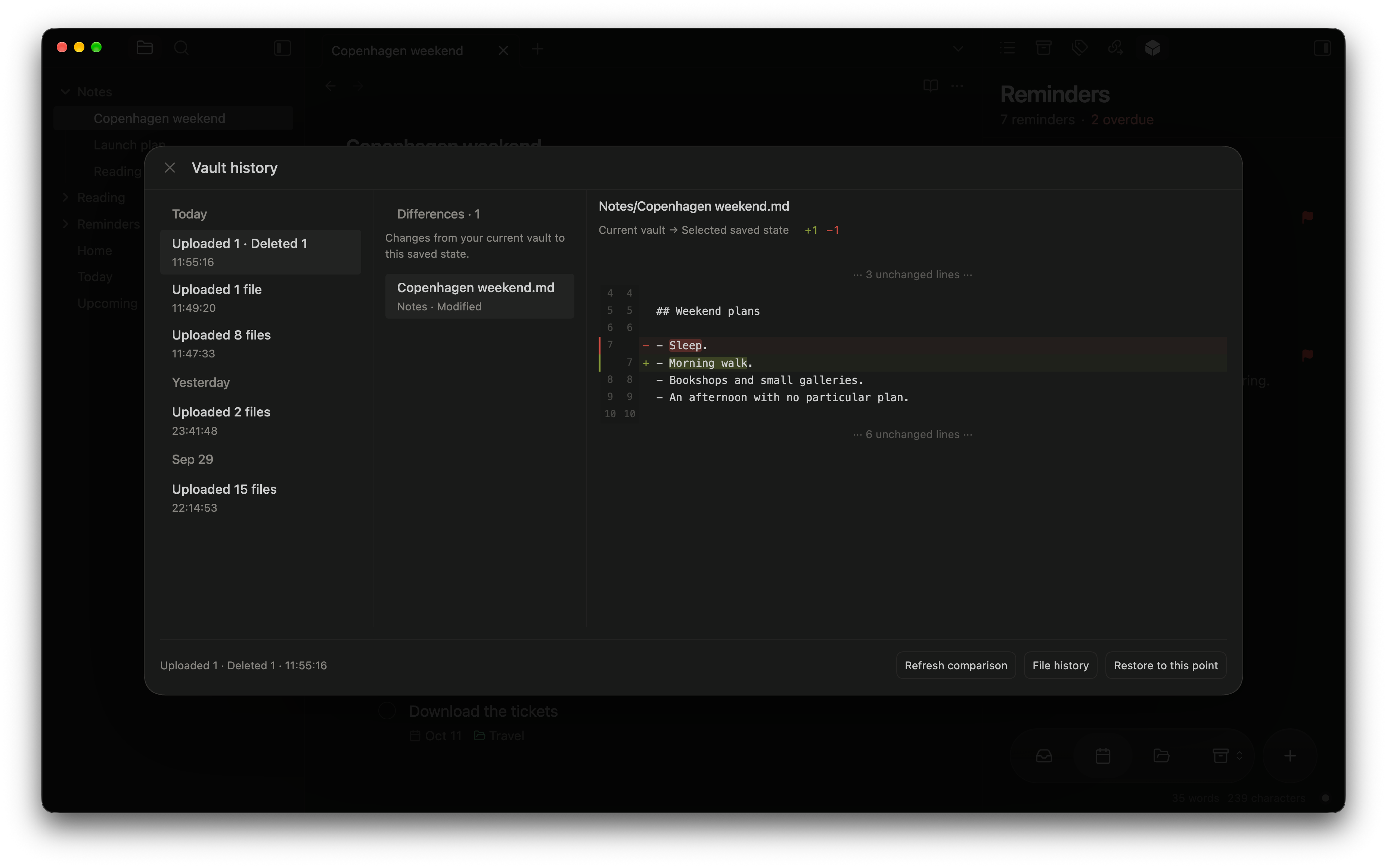
Return your vault to a saved sync point.
Turn it on to keep your synced content private from your server, on Cloudflare or self-hosted. Notes, attachments, saved articles, and reminder text are encrypted on your devices.
Set up encryptionReminders
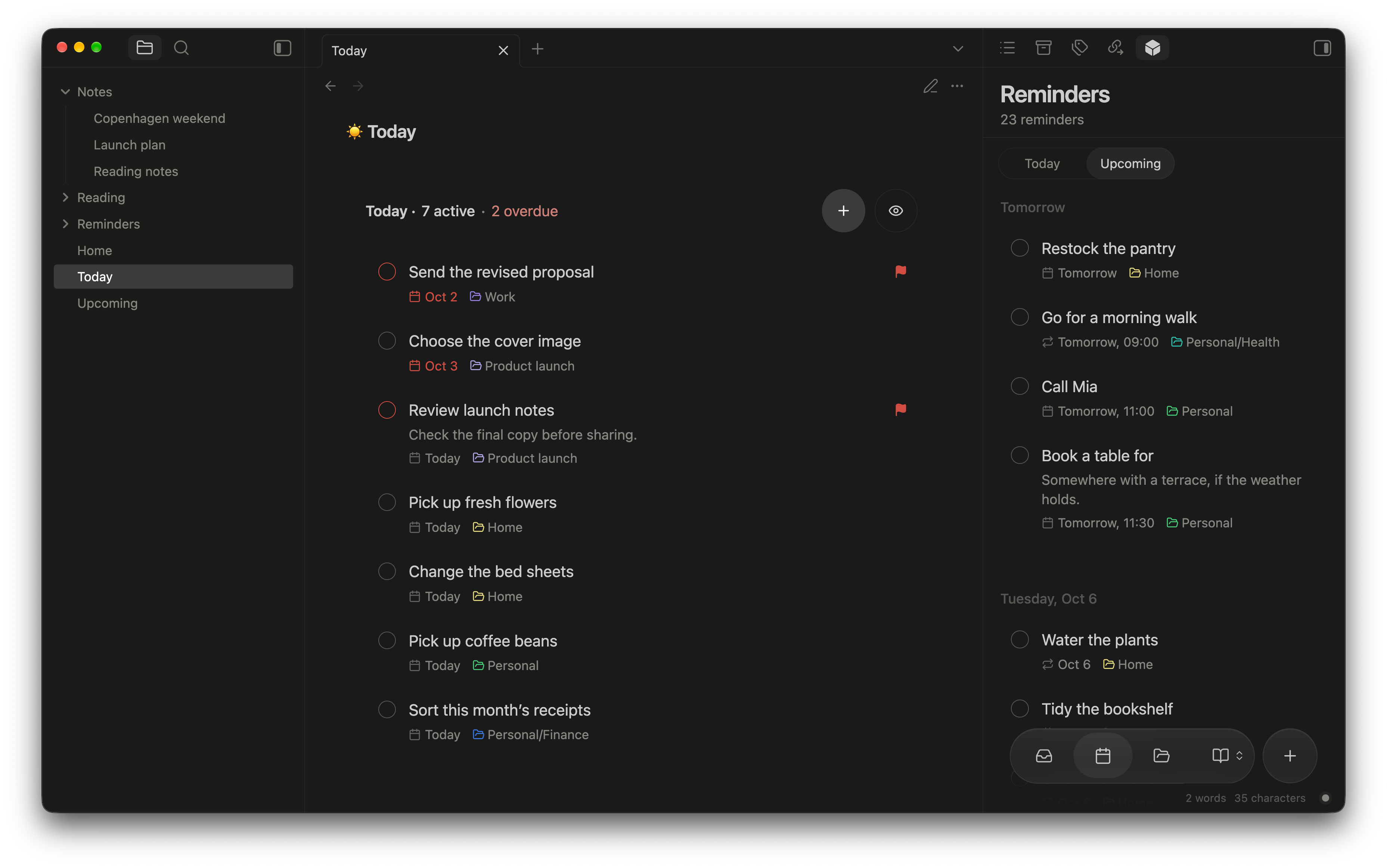
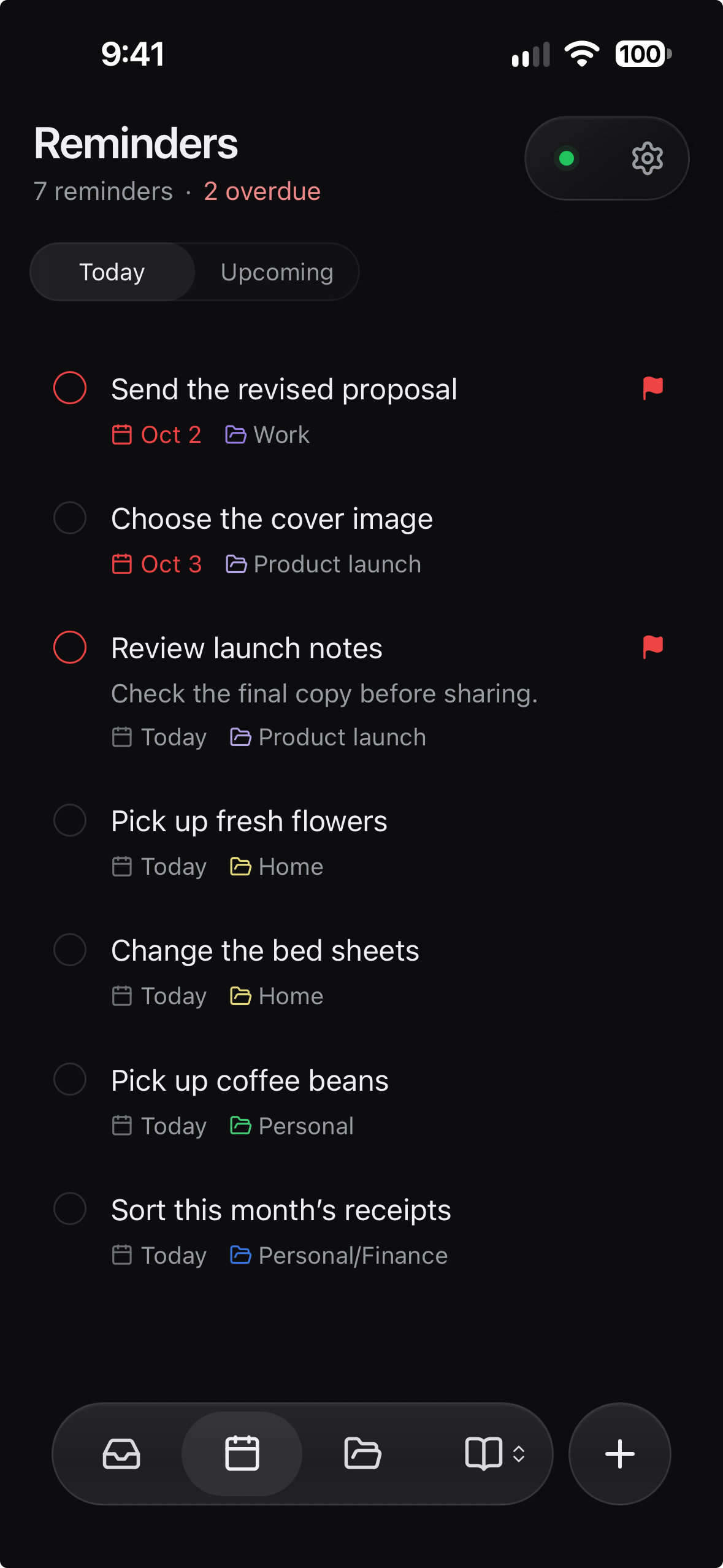
Create reminders with natural language. Type “tomorrow at 10” and Crate sets the date and time.
Reminders guide
Capture now. Organize later.
Know what’s next.

A place for every project.

Update its title, date, project, or priority.

Move a reminder into the right project.

Pick a quick date or set an exact time.

Repeat daily, weekly, or monthly.
Reading
Save articles from your phone or desktop. Read, highlight, and keep it all as Markdown in your vault.

Save links from your desktop or phone.

Keep the passages that matter.

Search highlights across your articles.
Hosting
Your notes stay in Obsidian. Your server connects your devices and brings reading and reminders to the web app.
How to connect your devicesGet started
Crate is in beta, so it installs through BRAT, Obsidian’s tool for beta plugins.
Obsidian 1.13.0+ · Desktop and mobile
Full installation guide
In BRAT, select Add beta plugin and paste:
kaanbiryol/obsidian-crateChoose Cloudflare or your own server in Settings → Crate.
That’s it. Select Sync now to run your first sync.